 The Grid Culture
Color Systems and Building a Scalable Palette
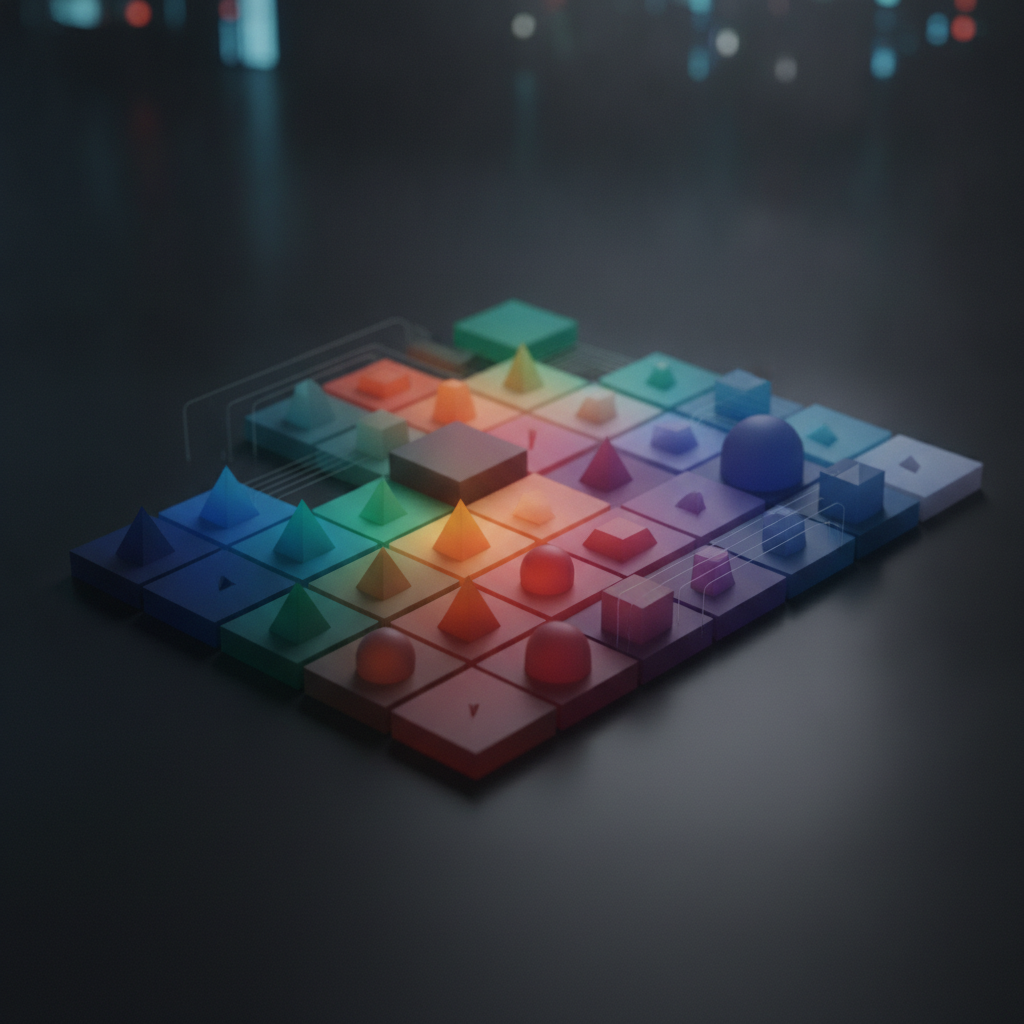
Understanding Color Systems
Color systems are frameworks that define how colors are used, combined, and perceived in various design projects. They provide a structured approach to selecting and applying colors, ensuring consistency and harmony throughout visual materials. One of the most widely used color systems is the HSL (Hue, Saturation, Lightness) model, which allows designers to manipulate colors intuitively.
Another popular system is the RGB (Red, Green, Blue) color model, which is often used for digital screens. Each color is represented as a combination of these three primary colors in different intensities. Understanding these systems is essential for creating a color palette that can scale across different media and applications.
Building a Scalable Color Palette
Creating a color palette that can adapt to various contexts is a crucial skill for any designer. Here are some steps to guide you through this process:
 1. Define Your Core Colors
Start by selecting a few core colors that represent the essence of your brand or project. These should be colors that resonate with your target audience and reflect the desired emotional tone. Choose a primary color, a secondary color, and one or two accent colors.
2. Consider Color HarmonyUtilize color harmony principles, such as complementary, analogous, or triadic schemes, to create relationships between your core colors. This ensures that when colors are used together, they create a pleasing aesthetic that enhances the overall design.
3. Establish a Color HierarchyEstablish a visual hierarchy by assigning different roles to your colors. For instance, use your primary color for main elements, secondary colors for supporting features, and accent colors for calls to action or highlights. This hierarchy helps guide the viewer’s attention effectively.
4. Test with VariationsTo ensure your palette is versatile, create variations of your colors by adjusting brightness, saturation, and lightness. This can help in designing for different contexts, such as backgrounds, text, and UI elements, while maintaining a cohesive look.
5. Document Your PaletteOnce you have refined your color palette, document it thoroughly. Include color codes in HEX, RGB, and CMYK formats for easy reference across different platforms and projects. This documentation will be invaluable in maintaining brand consistency.
“A carefully crafted color palette not only enhances the visual appeal but also strengthens brand identity and improves user experience.”
By following these steps, you can create a color palette that is both functional and aesthetically pleasing, allowing for scalability across various applications. Remember that color is a powerful tool in design, and when used thoughtfully, it can significantly impact how your audience perceives your message.